Categories and most-ordered dishes
Guests move through the menu by category and see a most-ordered row based on what the restaurant actually sells.
Qartify, the digital menu platform by Blockward

 Qartify
Scan to view menu
Table 12
12 Market Street · City center
Freshly prepared, every day
 Available
Beef patty, lettuce, tomato, cheese and our house sauce.
$12
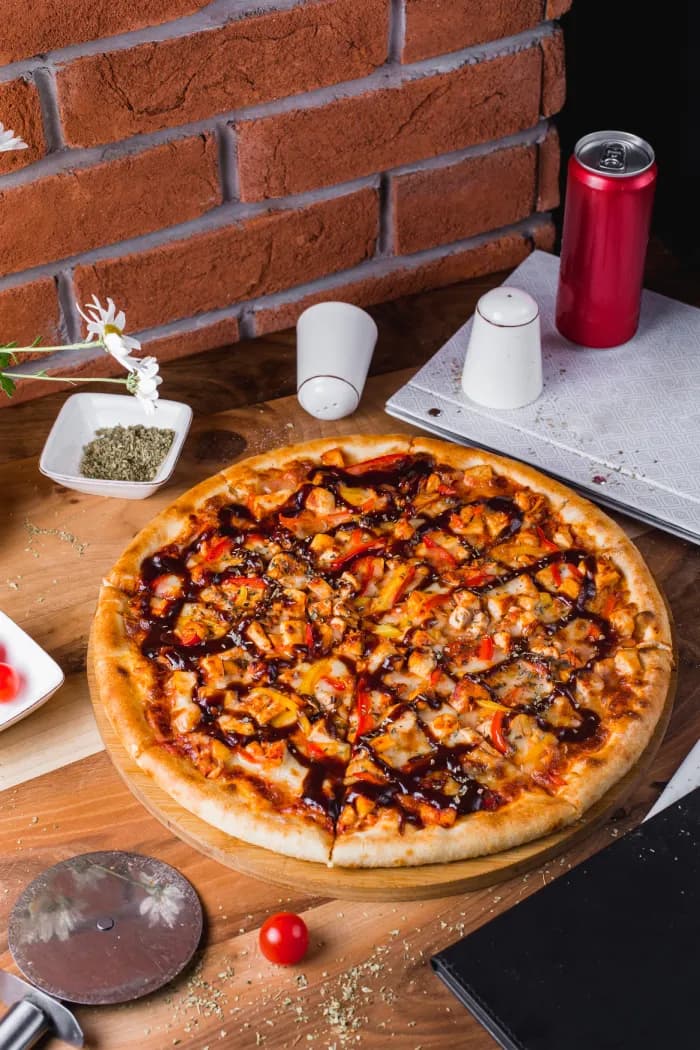 Available
Our signature toppings, mozzarella and barbecue sauce.
$10
 Available
Freshly squeezed lemon, served chilled over ice.
$4
Swipe to discover more · Powered by Qartify
Overview
Turn a paper menu into a multilingual digital menu. Upload a photo or a PDF, or type the dishes in yourself. Guests open it from a table QR code in the phone browser. No app required.
Building a digital menu by hand used to mean typing every dish and rewriting local specialties for visitors.
Qartify reads the menu you already have, keeps the sections and prices, and publishes a mobile menu you can keep editing.
Setup reads what is printed on your menu. You review the draft before anything goes live.
From upload to a live menu
Upload a photo or PDF, or enter categories and dishes by hand. Setup reads section names, dish names, and prices that are visible on the page.
Check the draft before it goes live. Qartify translates the menu and leaves dish names intact, so Tajine stays Tajine. When a close photo exists in the image library, the dish is paired with it. You can replace any image.
The menu lives on your own address, such as yourname.qartify.net. Print a QR code for each table. Guests scan, browse, and send the order to your team.
Ingredients and tags are taken only from what is printed on the uploaded menu.
Table QR codes
Each table has its own QR code. The scan opens the menu for that table. Guests pick sizes and add-ons, then send the order. Your team sees it in the dashboard and in the waiter app, and a waiter confirms it with the guest.
Qartify does not take card payment inside the menu and does not send a digital bill. The order is a message to the floor, not a checkout.
After setup
The first upload is the start. After the menu is live you can still change it, and the floor can run service from the same account.
FAQ
No. Qartify is a website. A guest scans the table QR code or opens your restaurant link, and the menu loads in the phone browser.
Yes. During setup you upload a photo or PDF, or you type the menu in. Qartify reads the sections, dish names, and prices that are visible, and you review the draft before it is published.
Dish names stay as you wrote them. Tajine stays Tajine. The description around the name is translated so a visitor can understand the dish.
English, French, Arabic, Spanish, German, Dutch, Belgian, Portuguese, Italian, and Korean. Arabic displays right to left. Signup translates English, French, and Arabic, plus the language of the file you uploaded.
Yes, on plans that include ordering. The table QR code ties the cart to that table. Guests send the order to your team, and a waiter confirms it. The menu does not charge a card.
Yes. Your public link shows the menu, hours, and contact details. Ordering appears after a valid table scan.
Categories, dishes, prices, sizes, add-ons, photos, languages, colors, hours, and table QR codes. The dashboard shows scans, orders, and revenue.
From menu upload to table QR codes.
Review the menu Qartify builds, choose your link, and print a QR code for each table.